
How to Build a Budget Gaming Setup Without Wasting Money in 2026
Build a smart budget gaming setup by prioritizing performance, comfort, and upgrade potential instead of overspending on flashy accessories.
MundialGame
4/15/20262 min read
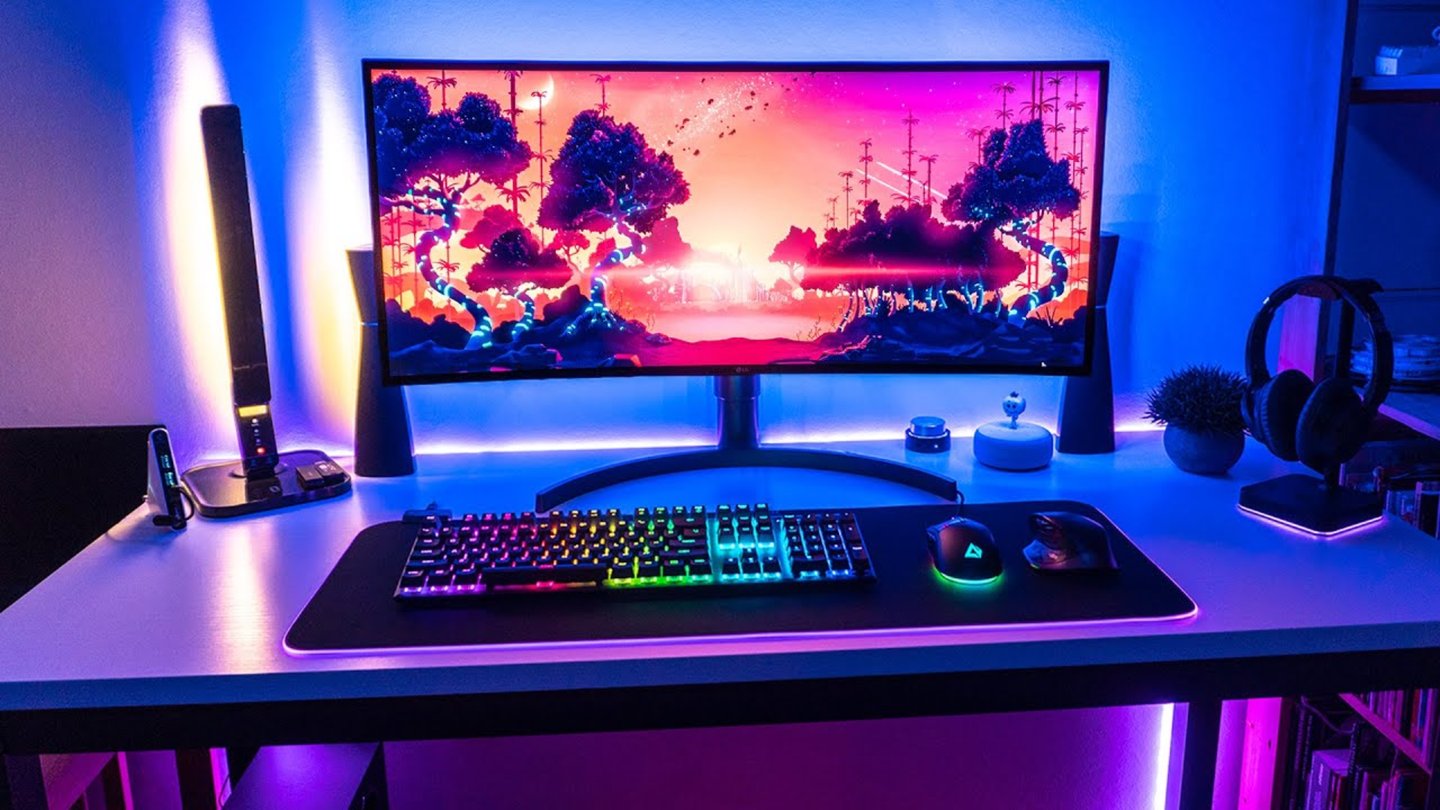
A good budget gaming setup is not about buying the cheapest products available. It is about spending carefully on the parts that improve your daily gaming experience the most. Many beginners waste money on flashy accessories, oversized desks, or RGB gear before fixing the basics. A smarter setup starts with performance, comfort, and reliability.
The first priority should be the device you actually play on. That may be a gaming PC, a PlayStation, an Xbox, a Nintendo Switch, or a handheld device like a Steam Deck. If your core device does not perform well, no accessory will save the experience. Before buying extras, make sure your main system can run the games you care about at a quality level you are happy with.
The second priority is display quality. A reliable 1080p monitor with decent color, low input lag, and smooth refresh rate is usually a much better investment than fancy decorative gear. For most budget players, a good monitor improves every game session more than an expensive headset stand, premium desk mat, or RGB light strip.
Storage is another area where smart upgrades matter. Fast SSD storage can reduce loading times, improve system responsiveness, and make game installs easier to manage. If your setup still depends on slow storage, moving to an SSD is one of the best value upgrades you can make.
Comfort also matters more than many people expect. A basic chair with good support, a desk at the right height, and a controller or mouse that feels natural in your hand can improve long gaming sessions far more than visual extras. Budget setups should always include comfort because discomfort turns even a powerful setup into a frustrating one.
Peripherals should be chosen based on use, not hype. A budget keyboard does not need to be mechanical if you mainly play with a controller. A gaming mouse does not need extreme DPI numbers if the sensor is already accurate and responsive. A headset should focus on clear sound and microphone quality instead of branding alone.
It is also important to think about upgrade potential. A smart budget setup leaves room for future improvements. That may mean choosing a power supply that can support a stronger GPU later, buying a desk with enough space for a second monitor, or selecting accessories that will still make sense if your system changes next year. Cheap products that need to be replaced quickly often cost more in the long run.
Cable management, lighting, and background style should come later. These things can make a setup look cleaner, but they should not come before performance and comfort. Many great budget setups look simple because the owner focused money on the parts that actually affect gameplay.
A practical way to budget is to divide spending into three categories: must-have, useful upgrade, and optional extra. Must-have items include the gaming device, display, input device, and storage. Useful upgrades include better audio, more RAM, and ergonomic improvements. Optional extras include decoration, RGB products, and non-essential accessories.
The best budget gaming setup is not the one with the most lights or the most expensive brand names. It is the one that gives you smooth performance, a comfortable space, and a clear path to improve over time without wasting money.
MUNDIALGAME
Practical gaming guides, honest reviews, and budget-friendly advice for PC, PS5, Xbox, Nintendo Switch, and Steam Deck player
Contact
Newsletter
contact@mundialgame.com
© 2026. All rights reserved.