
How to Buy Used Gaming Hardware Without Getting Burned
Buying used gaming hardware can save money, but only if you know what to test, what to avoid, and how to spot signs of hidden problems before paying.
HARDWARE TIPS
MundialGame
4/17/20263 min read
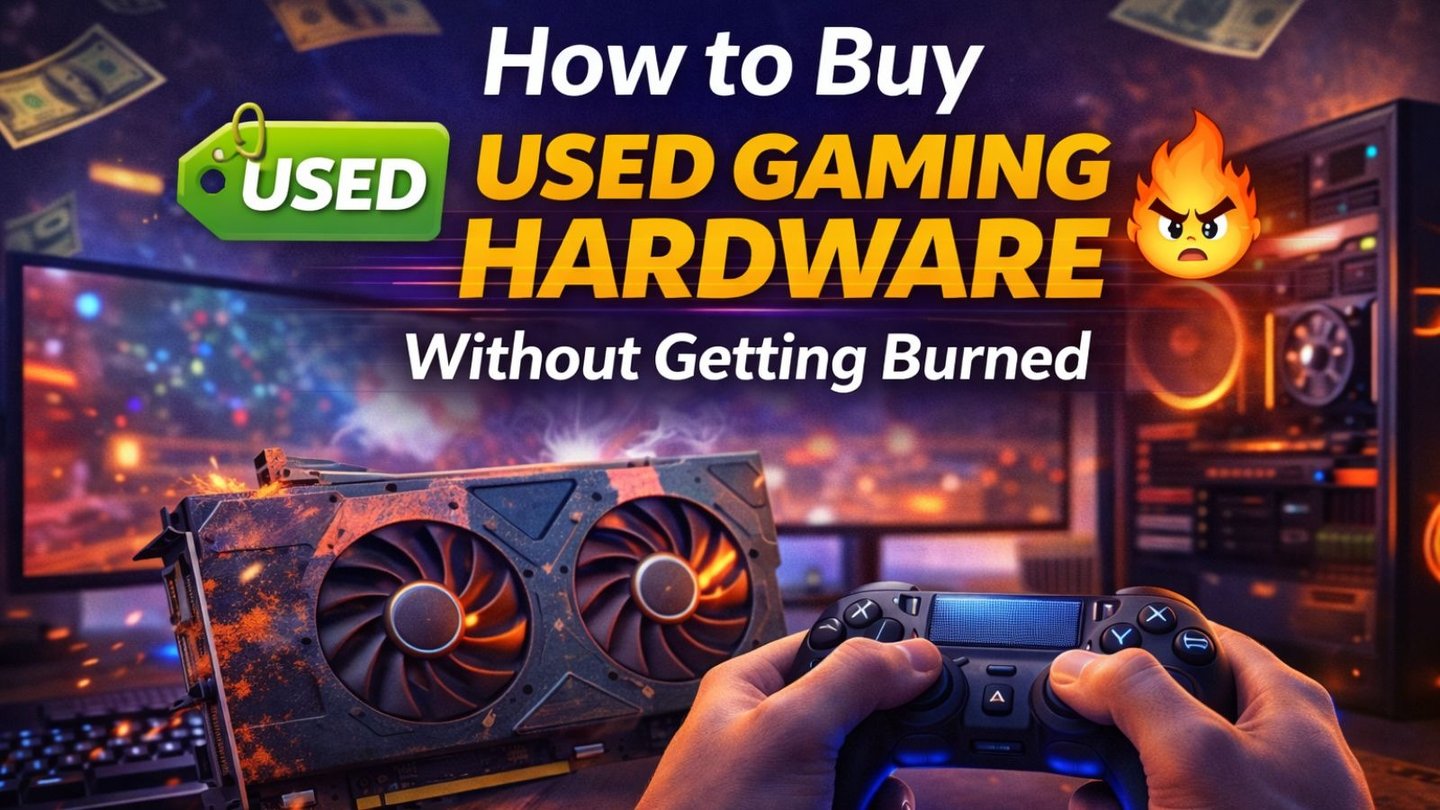
How to Buy Used Gaming Hardware Without Getting Burned
Buying used gaming hardware can be a smart move. In many cases, it is one of the best ways to stretch a budget without settling for bottom-tier products.
But there is a big difference between a smart second-hand purchase and a frustrating mistake.
A cheap listing is not automatically a good deal. A good deal is something that still works well, gives you real value, and does not create bigger problems later.
Why used gaming hardware is tempting
The appeal is obvious. Used hardware often lets you buy something better than you could afford new. Instead of getting the weakest new option, you may be able to buy a stronger used GPU, a better monitor, or a more comfortable controller for the same money.
That is why used gear can make sense, especially for:
Budget gaming setups
First-time builds
Secondary gaming spaces
Upgrades without full rebuilds
The key is buying carefully, not emotionally.
Ask questions before talking about price
Before paying anything, ask the seller simple but important questions:
How long was the item used?
Was it used daily?
Was it used only for gaming?
Was it ever repaired?
Why is it being sold now?
You do not need a perfect answer to every question, but you do need a seller who answers clearly. Vague answers are often a bad sign.
Used GPUs need the most caution
Graphics cards are one of the most common used purchases, but they are also one of the riskiest.
Ask whether the card was used mainly for gaming or for mining. Request clear photos and, ideally, a short video showing the card in use. If possible, ask for temperature readings or performance proof under load.
Things to watch for include:
Loud or unstable fan noise
Visible damage
Dust buildup that suggests hard use
Artifacts on screen
Unstable temperatures
Strange crashing behavior
A cheap GPU is not a bargain if it fails quickly.
Storage is often riskier than it looks
Used SSDs and HDDs are tricky because physical condition does not tell the whole story.
A drive can look perfect from the outside and still have serious wear.
That is why health data matters. Many drives use SMART monitoring, which helps report certain warning signs about drive condition. If you are buying used storage, ask for a health screenshot or verification from a reliable tool.
If the seller cannot show any health information, treat that as extra risk.
Peripherals can be great used buys if tested well
Controllers, keyboards, mice, and headsets are often safer used purchases than storage or power supplies, but they still need testing.
For controllers, check:
Stick drift
Trigger consistency
Button response
Charging reliability
Connection stability
For keyboards, test every key.
For mice, check clicks, scroll wheel, and sensor feel.
For headsets, check both sound and microphone clarity.
Small issues are common, so never assume a cheap peripheral is automatically a good value.
Monitors deserve more testing than many buyers expect
Used monitors can be excellent value, but only if they are checked carefully.
Look for:
Dead pixels
Flickering
Brightness problems
Port issues
Burn-in or image retention
Refresh rate problems
Uneven color or backlight
If possible, test the monitor at the refresh rate the seller claims it supports. A display that only behaves properly under lower settings may not be worth it.
Always compare used prices against new prices
One of the biggest mistakes buyers make is forgetting to compare second-hand pricing with current new prices.
Sometimes a seller asks so much that spending a little more for a new product with warranty becomes the better decision.
A used item should offer real savings, not tiny savings.
If the price difference is small, the warranty, easier returns, and peace of mind of a new item often win.
Buy with protection whenever possible
If you are buying locally, test in person whenever you can. If you are buying online, use a platform or payment method with buyer protection.
Avoid situations where:
The seller refuses testing
The payment method offers no protection
The listing is strangely urgent
The deal sounds too good to be true
The product description is vague
A safe buying process is part of the value of the purchase.
Some parts are safer to buy used than others
In general, these are often safer if tested properly:
Monitors
Controllers
Keyboards
Mice
Some GPUs
These are usually riskier:
Power supplies
Heavily used SSDs or HDDs
Damaged accessories
Mystery bundles with no proof of condition
A failed power supply or bad storage device can cost more than you saved.
Final thoughts
Used gaming hardware can absolutely help you build a better setup for less money.
But the goal is not to buy the cheapest item you can find. The goal is to buy something reliable enough to be worth the savings.
Ask questions. Test carefully. Compare prices. Use buyer protection. If something feels suspicious, walk away. In second-hand gaming gear, patience often saves more money than speed.
Sources
Western Digital, SMART drive health overview: https://support-en.wd.com/app/answers/detail/a_id/39617
Samsung Magician software overview: https://www.samsung.com/us/memory-storage/magician-software/
PlayStation Support, Controllers: https://www.playstation.com/en-us/support/hardware/accessories/
MUNDIALGAME
Practical gaming guides, honest reviews, and budget-friendly advice for PC, PS5, Xbox, Nintendo Switch, and Steam Deck player
Contact
Newsletter
contact@mundialgame.com
© 2026. All rights reserved.