
How to Build a Budget Gaming Setup Without Wasting Money in 2026
Build a smart budget gaming setup by prioritizing performance, comfort, and upgrade potential instead of overspending on flashy accessories.
HARDWARE TIPS
MundialGame
4/15/20264 min read
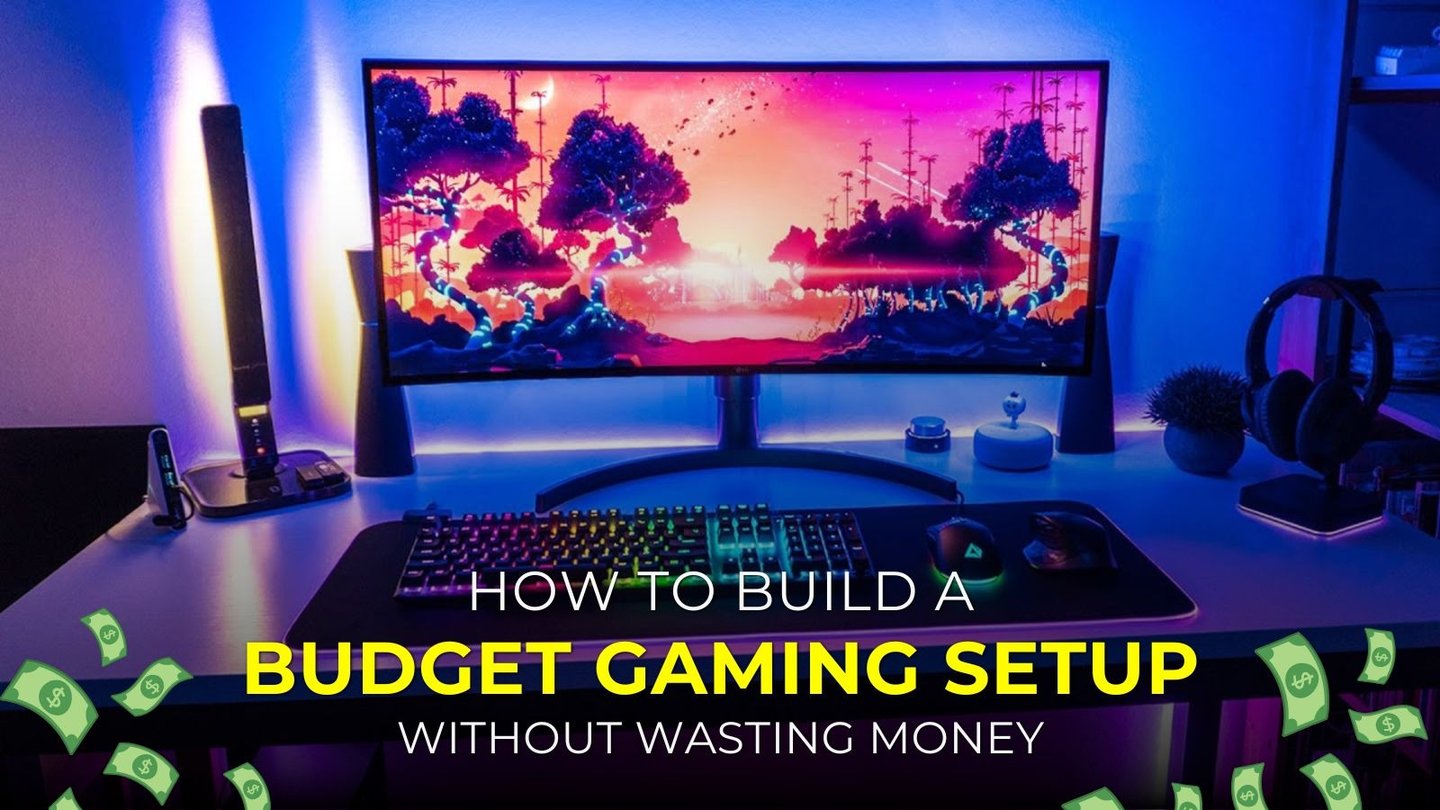
How to Build a Budget Gaming Setup Without Wasting Money
A budget gaming setup should not feel like a random pile of cheap products. It should feel smart, practical, and comfortable.
The goal is not to spend as little as possible. The goal is to spend where it matters and avoid wasting money on things that do not improve the real gaming experience.
Many players make the same mistake at the start: they focus on looks before performance.
They buy lights, decorations, and trendy accessories before making sure their display, storage, and core device are actually good enough. A better setup starts with priorities.
Start with your main gaming device
The first question is simple: what are you actually playing on?
Your setup begins with the platform itself. That could be:
A gaming PC
A PlayStation
An Xbox
A Nintendo Switch
A handheld system like a Steam Deck
If your main device does not run the games you care about at a level you enjoy, no accessory will fix the problem. A good budget setup always invests in the core experience first.
If you are on PC, this means making sure your hardware matches your goals. If you are on console, it means building the rest of the setup around the way you play most often.
A good display is one of the smartest upgrades you can make
A reliable display improves every gaming session. That is why a decent monitor or TV often matters more than a long list of accessories.
For most budget gamers, a solid 1080p display with low input lag and clean motion is already a strong starting point. If the monitor supports a higher refresh rate, that can make gameplay feel smoother and more responsive, especially in shooters, racing games, and action-heavy titles.
A lot of people buy a monitor with better specs and then forget to enable the correct refresh rate in system settings. That is wasted potential. Your setup only benefits if the display is actually configured the right way.
Storage affects daily comfort more than many players realize
Fast storage is one of the most underrated upgrades in a budget setup. A good SSD helps with:
Faster boot times
Shorter game load times
Better system responsiveness
Quicker patch installation
Less day-to-day waiting
If your system still feels slow when launching games or moving through menus, storage may be a more useful upgrade than a visual accessory.
A clean and responsive setup feels better over time than one that only looks impressive in photos.
Comfort should never be treated like a luxury
A gaming setup is not only about performance. It is also about how long you can actually enjoy using it. A bad chair, poor desk height, or awkward controller can make even a strong system feel frustrating.
Comfort upgrades do not always need to be expensive. Sometimes the most useful changes are simple:
Better hand positioning
A stable chair
A proper screen height
More desk space
A controller or mouse that fits naturally
If you play for long sessions, comfort is not optional. It is part of performance.
Choose peripherals based on how you play
A smart budget setup is personal. It should match the games you play and the way you use the system.
For example:
If you mostly play with a controller, you do not need to overspend on a premium keyboard.
If you play competitive shooters, a responsive mouse and display matter more.
If you mostly play story-driven games, comfort and audio may matter more than ultra-high performance.
If you use a console on a TV, controller comfort and Game Mode settings become more important than desk accessories.
Buy for use, not for hype.
Leave room to upgrade later
One of the smartest things a budget gamer can do is think ahead. A setup should not trap you into replacing everything at once later.
That means asking questions like:
Will this desk still work if I add another monitor?
Will this PC power supply handle future upgrades?
Will this controller still be useful next year?
Is this monitor good enough for my next system too?
Cheap products that need to be replaced quickly often cost more in the long run than buying practical gear once.
What should come last
There is nothing wrong with wanting your setup to look good. But the visual extras should come after the essentials.
Things that should usually come later include:
Decorative lighting
Wall art
Branded accessories
Premium stands
Non-essential cable gadgets
Style-focused desk extras
These can improve the atmosphere, but they should not come before performance, comfort, and reliability.
A simple budget rule that works
A useful way to think about spending is to divide your purchases into three groups:
Must-have
These are the things that directly affect gaming every day.
Main gaming device
Display
Storage
Primary input device
High-value upgrades
These improve comfort or responsiveness.
Better chair
Better audio
More RAM on PC
Better controller
Basic cable organization
Optional extras
These can wait.
RGB lighting
Decorative pieces
Aesthetic accessories
Non-essential premium add-ons
This makes it easier to avoid buying emotionally instead of practically.
Final thoughts
A budget gaming setup does not need to be boring or weak. It just needs smart priorities. Focus first on the device, the display, the storage, and the comfort of the space. Buy for your real habits, not for trends. Leave room to upgrade. Make the setup feel good to use every day.
That is how a budget setup becomes a great setup.
Sources
Microsoft, Change the refresh rate on your monitor in Windows: https://support.microsoft.com/en-us/windows/change-the-refresh-rate-on-your-monitor-in-windows-c8ea729e-0678-015c-c415-f806f04aae5a
Microsoft, Change the power mode for your Windows PC: https://support.microsoft.com/en-us/windows/change-the-power-mode-for-your-windows-pc-c2aff038-22c9-f46d-5ca0-78696fdf2de8
Nintendo Support, Nintendo Switch Pro Controller: https://support.nintendo.com/jp/switch/controller/nintendoswitchpro.html
MUNDIALGAME
Practical gaming guides, honest reviews, and budget-friendly advice for PC, PS5, Xbox, Nintendo Switch, and Steam Deck player
Contact
Newsletter
contact@mundialgame.com
© 2026. All rights reserved.